

Aftershoot alternative: the short answer
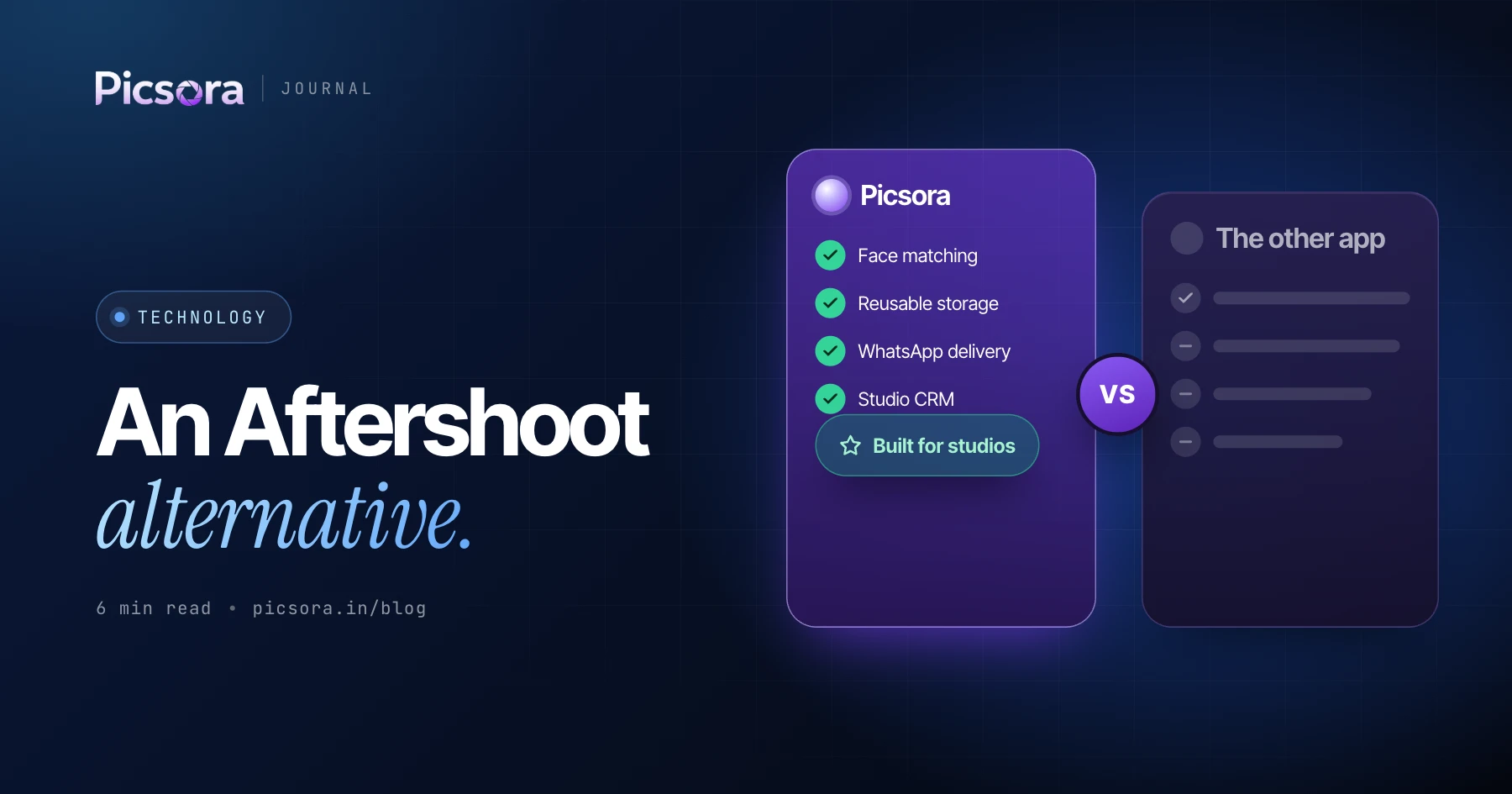
Choose Picsora over Aftershoot if you want culling, guest delivery and your studio business in one place. Picsora AI culling runs in the desktop app right before upload, and guests then find their photos with a selfie. If you cull RAW files and edit in Lightroom or Capture One, Aftershoot is built for that, and the two can be used together.
Picsora vs Aftershoot: prices
Aftershoot sells culling, editing and retouching as separate plans.
| Picsora | Aftershoot | |
|---|---|---|
| Price | AI Gallery Plus, ₹19,999 a year: culling plus a 500 GB gallery | Culling plan listed at US$120 a year, billed yearly |
| Free option | 1-month gallery trial (culling is on paid plans) | 30-day trial, no card |
| Where it runs | Mac and Windows desktop app | Mac and Windows, works offline |
From aftershoot.com and picsora.in/pricing, read on 28 November 2026. Aftershoot was running offers at the time; check its site for today's price.
Scorecard: Picsora vs Aftershoot
Who is stronger in each area, based on what each company publishes.
| Area | Picsora | Aftershoot | Stronger |
|---|---|---|---|
| RAW file culling | No, works on JPEG and other image files | Yes, RAW and JPEG | Aftershoot |
| Lightroom / Capture One | Reads your star ratings | Direct integration | Aftershoot |
| AI editing and retouching | Not offered | Separate plans | Aftershoot |
| Blur, closed eyes, duplicates | Yes | Yes | Both |
| Learns your style | Not offered | Yes | Aftershoot |
| Delivery to event guests | QR and selfie delivery, built in | Client galleries with face search, separate product | Picsora |
| Studio CRM | Yes, as Studio CRM | Not listed | Picsora |
| Rupee pricing | Yes | Not found | Picsora |
Competitor facts from aftershoot.com, and Picsora prices from picsora.in/pricing, read on 28 November 2026. 'Not listed' means we did not find it on the pages we read, not that it does not exist. Prices change and taxes may apply; check both websites before you buy.
Where Aftershoot may suit you better
Choose Aftershoot if you cull thousands of RAW files before editing, want your selections inside Lightroom or Capture One, or want AI editing and retouching.
Why studios choose Picsora as a Aftershoot alternative
What AI culling in Picsora does:
- Cull and upload in one app, so culled frames never use your gallery storage
- Five checks: blur, motion shake, exposure, duplicates and closed eyes
- Low, Medium or High strictness, with a reason on every culled photo
- Review first: compare the shots of a moment, zoom to faces and restore in one click
- Starred photos are never culled, whether you rated them in camera or in Lightroom
- Camera to Cloud included on the same Plus, Pro and Elite plans
Using both
You can cull and edit your RAW files in your editing tool, then let Picsora run a last check on the exported JPEGs before they reach guests. Photos you star in Lightroom are never culled.
See it for yourself
Create a free Picsora account, install the desktop app and see how the gallery and guest flow work. AI culling comes with the Plus plan and above; see AI culling for what it checks.
Quick answers
What is the best Aftershoot alternative?
It depends on the job. For RAW culling and AI editing, dedicated tools such as Aftershoot are built for it. For culling right before delivering photos to wedding guests, with a studio CRM and rupee pricing, Picsora is a good alternative.
Does Picsora cull RAW files?
No. Picsora culls the JPEG and other image files you deliver, not camera RAW files.
Which Picsora plan includes AI culling?
AI Gallery Plus (₹19,999 a year, 500 GB), Pro and Elite. The desktop app is free for every studio.