

Aftershoot का alternative: छोटा जवाब
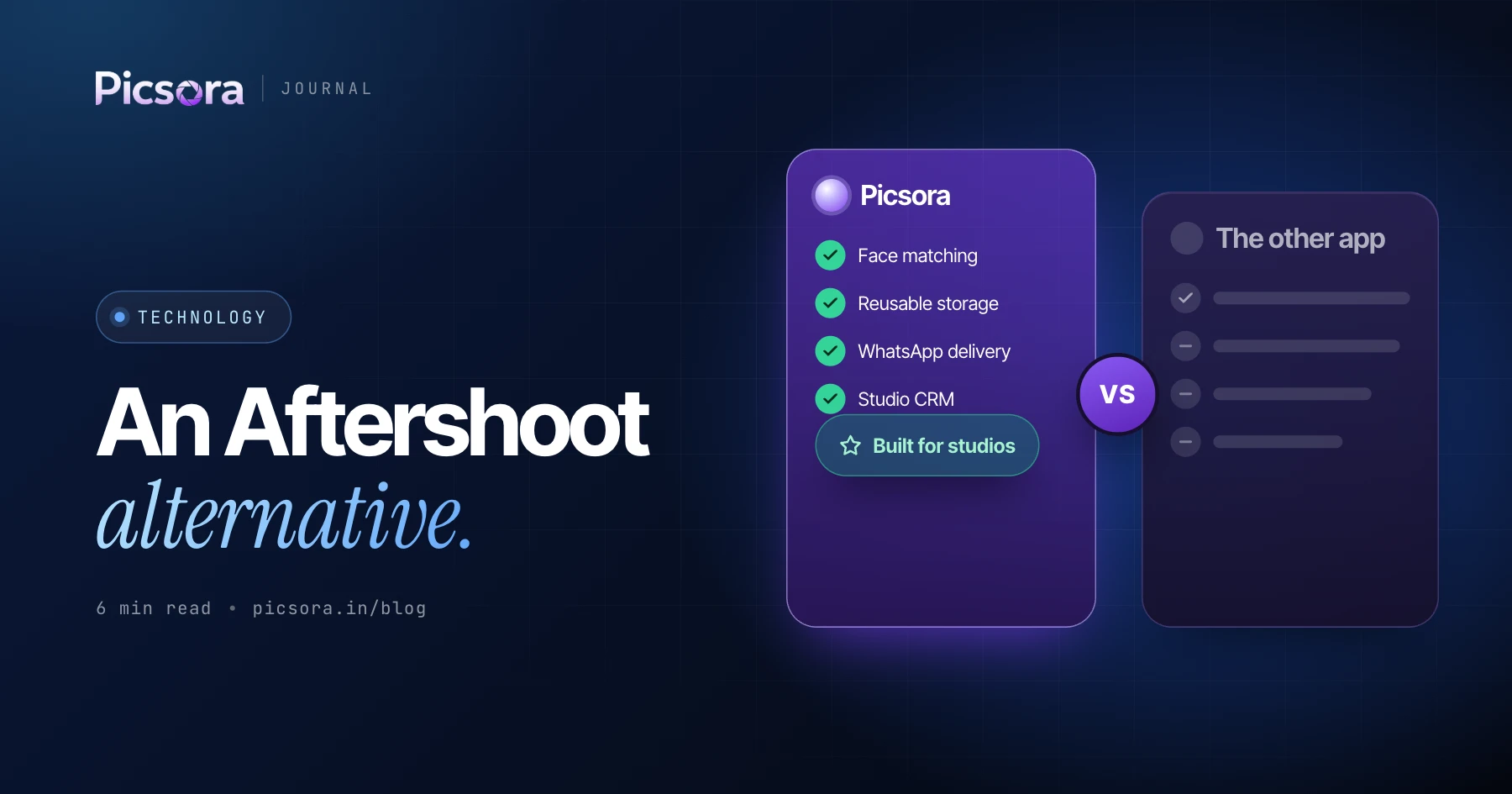
अगर culling, guest delivery और studio का business एक जगह चाहिए, तो Aftershoot की जगह Picsora चुनें। Picsora AI culling upload से ठीक पहले desktop app में चलती है, फिर guests selfie से photos पाते हैं। RAW files cull करके Lightroom या Capture One में edit करते हैं तो Aftershoot उसी के लिए बना है, और दोनों साथ भी चल सकते हैं।
Picsora vs Aftershoot: दाम
Aftershoot culling, editing और retouching अलग-अलग plans में बेचता है।
| Picsora | Aftershoot | |
|---|---|---|
| दाम | AI Gallery Plus, ₹19,999 साल: culling + 500 GB gallery | Culling plan US$120 साल (yearly billing) |
| Free option | 1 महीने का gallery trial (culling paid plans में) | 30 दिन trial, कोई card नहीं |
| कहां चलता है | Mac और Windows desktop app | Mac और Windows, offline भी |
aftershoot.com और picsora.in/pricing से, 28 November 2026 को। उस समय Aftershoot offers चला रहा था; आज का दाम उसकी site पर देखें।
Scorecard: Picsora vs Aftershoot
हर area में कौन आगे है - दोनों companies ने जो publish किया है उसके हिसाब से।
| Area | Picsora | Aftershoot | कौन आगे |
|---|---|---|---|
| RAW file culling | नहीं, JPEG जैसी image files पर | हां, RAW और JPEG | Aftershoot |
| Lightroom / Capture One | आपकी star rating पढ़ता है | Direct integration | Aftershoot |
| AI editing और retouching | नहीं है | अलग plans | Aftershoot |
| Blur, बंद आंखें, duplicates | हां | हां | दोनों |
| आपका style सीखता है | नहीं है | हां | Aftershoot |
| Event guests को delivery | QR और selfie delivery साथ में | Face search वाली client gallery, अलग product | Picsora |
| Studio CRM | हां, Studio CRM | लिस्ट में नहीं | Picsora |
| रुपये में दाम | हां | नहीं मिला | Picsora |
Competitor की जानकारी aftershoot.com से और Picsora के दाम picsora.in/pricing से, 28 November 2026 को पढ़े गए। 'लिस्ट में नहीं' का मतलब है कि पढ़े गए pages पर नहीं मिला, ये नहीं कि वो feature है ही नहीं। दाम बदलते रहते हैं और tax लग सकता है; खरीदने से पहले दोनों websites देखें।
Aftershoot कब बेहतर रहेगा
अगर editing से पहले हजारों RAW files cull करते हैं, selection Lightroom या Capture One में चाहिए, या AI editing-retouching चाहिए, तो Aftershoot चुनें।
Aftershoot के alternative में Picsora क्यों
Picsora की AI culling क्या करती है:
- एक ही app में cull और upload, तो हटाई गई photos आपका gallery storage नहीं खातीं
- पांच checks: blur, motion shake, exposure, duplicates और बंद आंखें
- Low, Medium या High strictness, और हर हटाई गई photo के साथ वजह
- पहले review: एक moment के shots compare करें, faces zoom करें और एक click में वापस लाएं
- Star वाली photos कभी नहीं हटतीं, चाहे rating camera में दी हो या Lightroom में
- उन्हीं Plus, Pro और Elite plans में Camera to Cloud भी
दोनों साथ में
आप RAW files अपने editing tool में cull और edit करें, फिर guests तक भेजने से पहले export हुई JPEG पर Picsora से आखिरी check करवाएं। Lightroom में star की हुई photos कभी नहीं हटतीं।
खुद देख लें
Free Picsora account बनाएं, desktop app install करें और gallery व guest flow देखें। AI culling Plus और ऊपर के plans में है; क्या-क्या check होता है, AI culling पर देखें।
छोटे जवाब
Aftershoot का best alternative क्या है?
काम पर निर्भर है। RAW culling और AI editing के लिए Aftershoot जैसे dedicated tools बने हैं। Guests को delivery से ठीक पहले culling, studio CRM और रुपये के दाम के लिए Picsora अच्छा alternative है।
क्या Picsora RAW files cull करता है?
नहीं। Picsora delivery वाली JPEG जैसी image files cull करता है, camera RAW files नहीं।
AI culling किस Picsora plan में है?
AI Gallery Plus (₹19,999 साल, 500 GB), Pro और Elite में। Desktop app हर studio के लिए free है।